Train
This section explains how to use the Gym simulation environment to let the robot interact with its surroundings and learn a policy that maximizes the designed reward. Real-time visualization is generally not recommended, as it may reduce training efficiency.
Run the following command to start training:
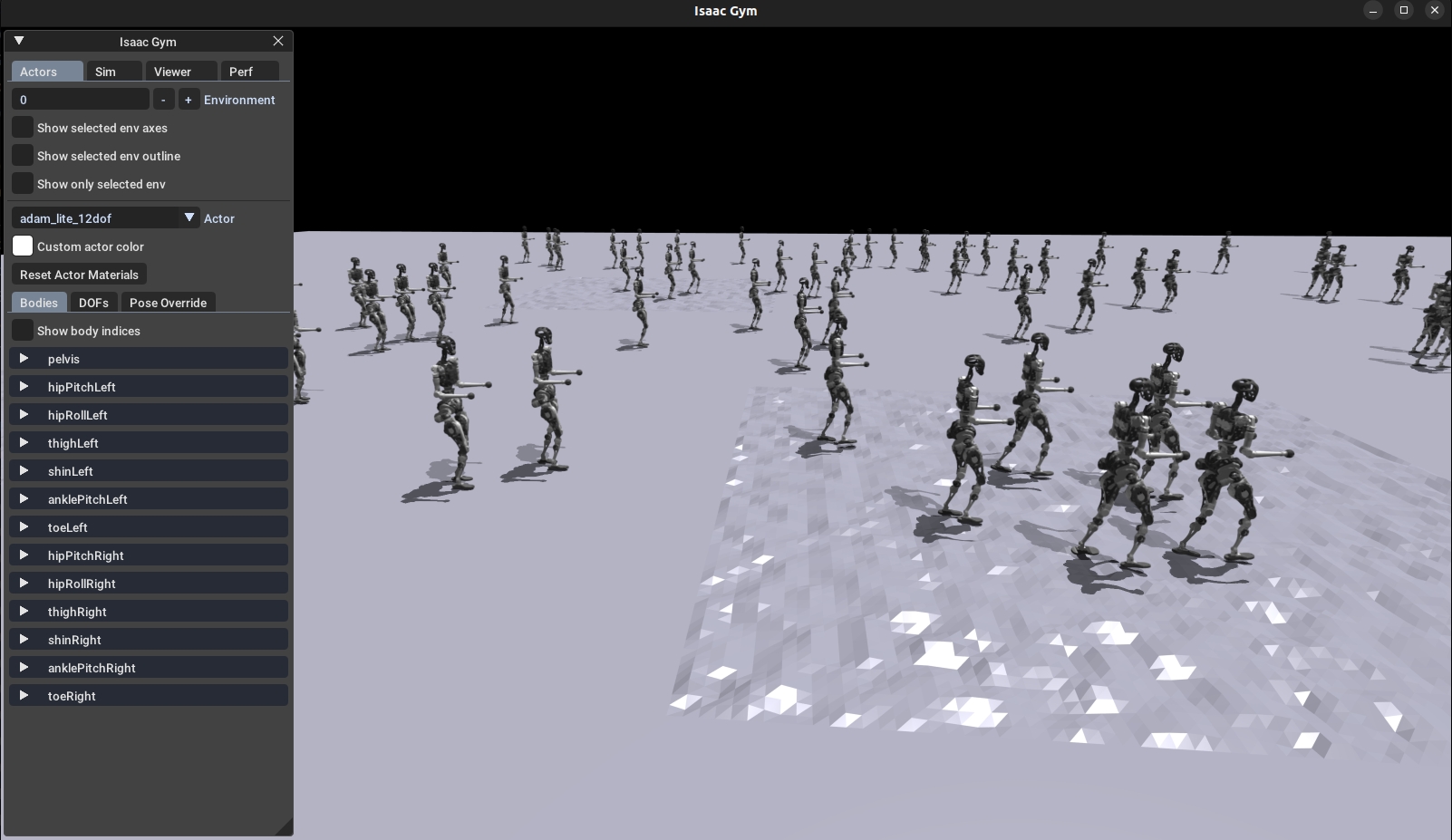
Graphical rendering will slow down training. In the Isaac Gym interface, press V on the keyboard to pause rendering and speed up training. If you want to observe the training results, press V again to re-enable rendering.
Parameter Description
--task: Required parameter. Available value (currently supported): adam_lite_12dof--headless: If not set, the graphical interface starts by default. When set to true, rendering is disabled (higher efficiency)--resume: Resume training from a selected checkpoint in the logs--experiment_name: Name of the experiment to run/load--run_name: Name of the run to run/load--load_run: Name of the run to load; by default, the latest run is loaded--checkpoint: Checkpoint index; by default, the latest checkpoint is loaded--num_envs: Number of parallel training environments--seed: Random seed--max_iterations: Maximum number of training iterations--sim_device: Simulation compute device; specify CPU with--sim_device=cpu--rl_device: Reinforcement learning compute device; specify CPU with--rl_device=cpu
Default training result path: logs/<experiment_name>/<date_time>_<run_name>/model_<iteration>.pt