Play
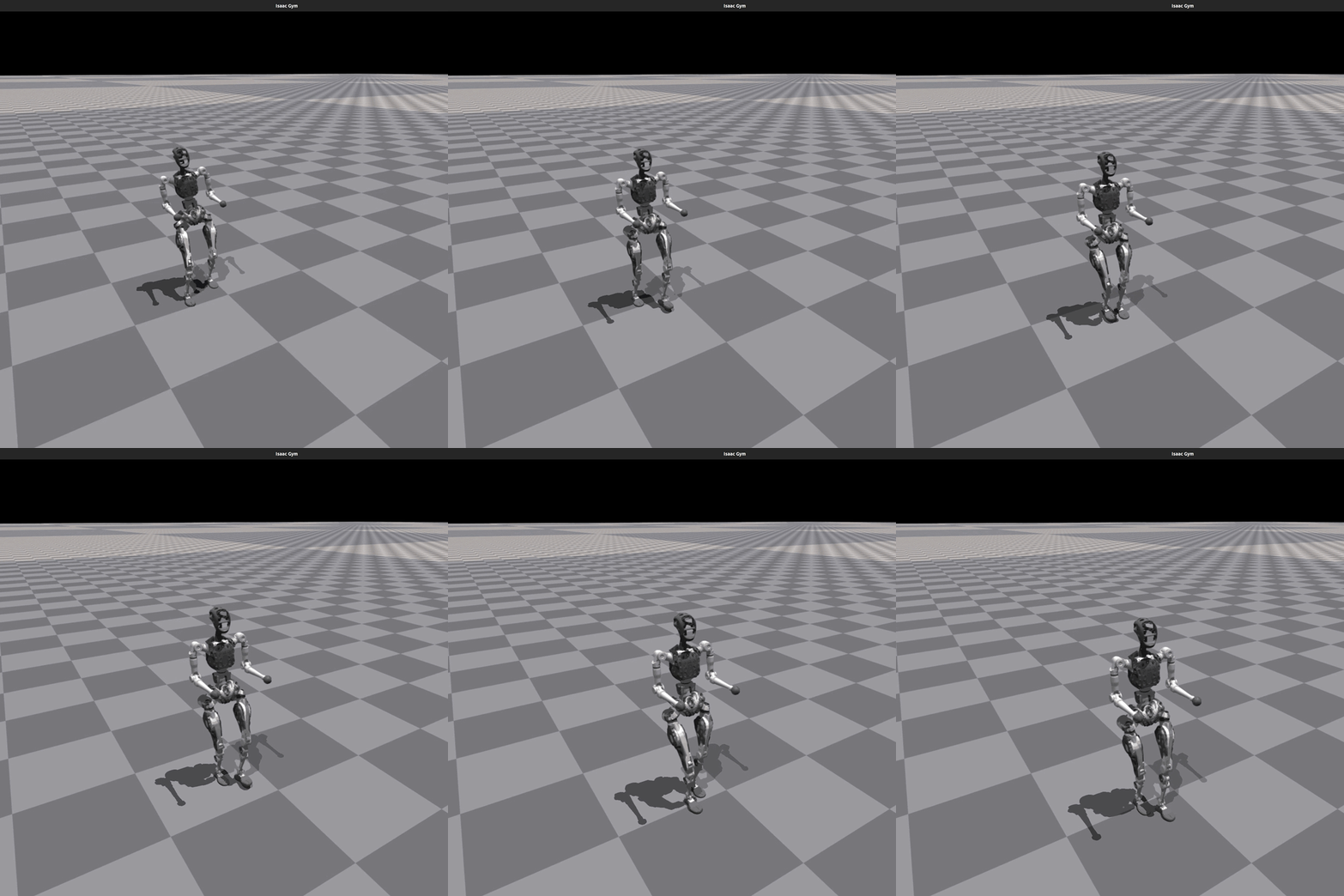
This section explains how to use the Play command to visualize the trained policy and verify that the behavior meets expectations.
Run the following command to view the trained policy in Gym:
Notes:
- Play uses the same startup arguments as Train.
- By default, it loads the last model from the most recent run in the experiment folder.
- You can specify other models using
load_runandcheckpoint. --test_default_pose: Tests the default joint angles by setting all actions to zero. This is useful for validating the robot’s default standing pose without policy control.
Export Network
Play will export the Actor network and save it under logs/{experiment_name}/exported/policies:
-
Standard network (MLP) is exported as
policy_1.pt -
RNN network is exported as
policy_lstm_1.pt