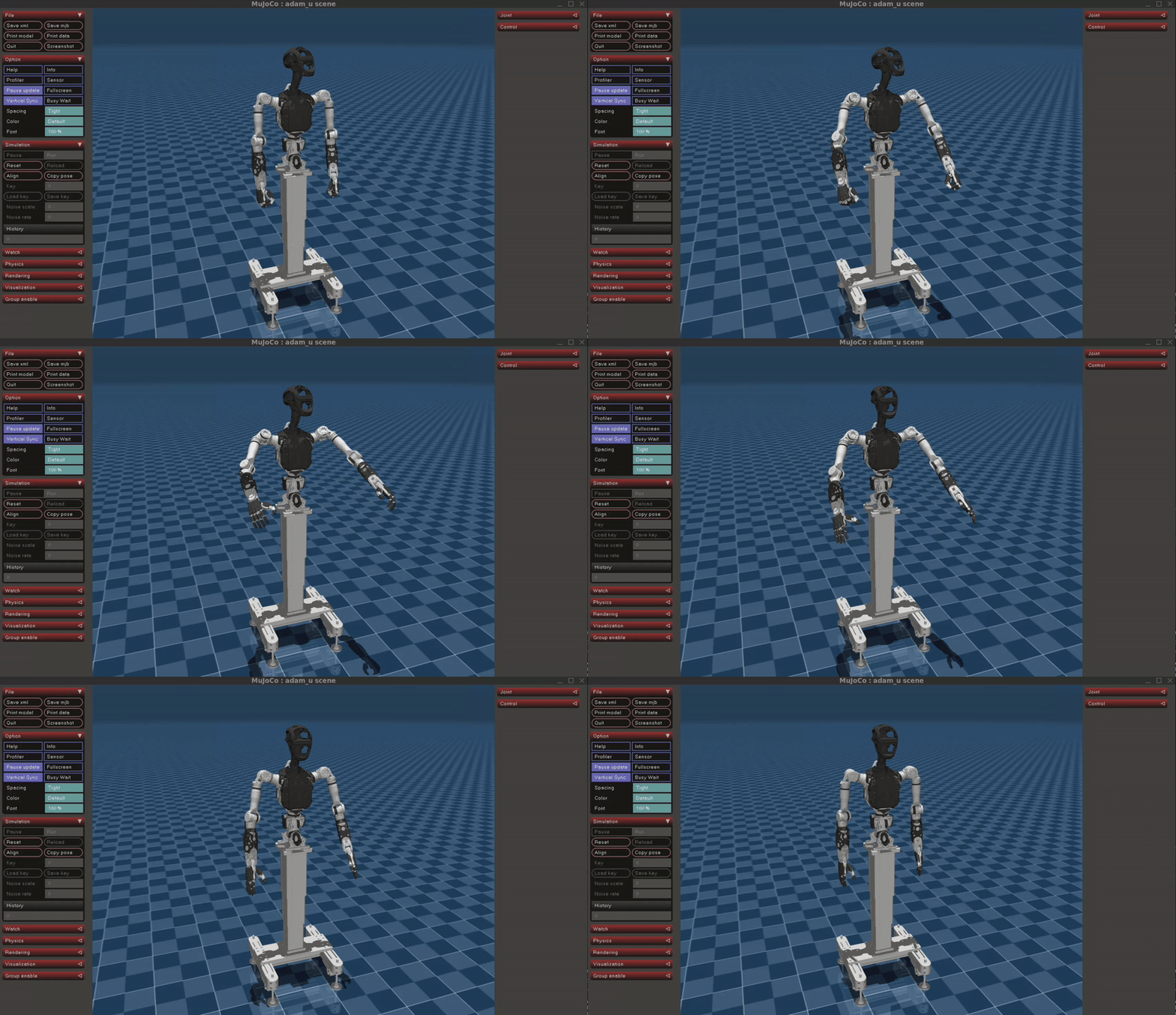
Quick Development (Simulation)
This document introduces the use of pnd_sdk_python or pnd_ros2 for rapid development of Adam-U. It includes the simulation framework pnd_mujoco, which enables simulated emulation on the Mujoco platform on the user's computer.
System Environment
Development is recommended on Ubuntu 22.04 x86_64.
macOS and Windows are not supported at this time.
Mujoco Installation
# Install Mujoco platform
cd ~
pip3 install mujoco==3.2.0

# Install pnd_mujoco
cd ~
git clone https://github.com/pndbotics/pnd_mujoco.git
🔗 Reference: Mujoco, pnd_mujoco
SDK Installation
Select_sdk_type
# Install system dependencies
sudo apt install libyaml-cpp-dev libspdlog-dev libboost-all-dev libglfw3-dev python3-pip

# Install Python SDK
cd ~
git clone https://github.com/pndbotics/pnd_sdk_python.git
cd pnd_sdk_python
sudo pip3 install -e .
🔗 Reference link: pnd_sdk_python
# Download & build pnd_ros2
git clone https://github.com/pndbotics/pnd_ros2.git
cd pnd_ros2
colcon build
source install/setup.bash
DDS is used by default. To switch to ROS2:
-
Open the configuration file
config.py -
Set the SDK type to ROS2:
🔗 Reference link: pnd_ros2
Simulation Test
Modify the configuration file config.py according to the specific model.
Modify the first line of code to the Adam-U model.
Start Mujoco.
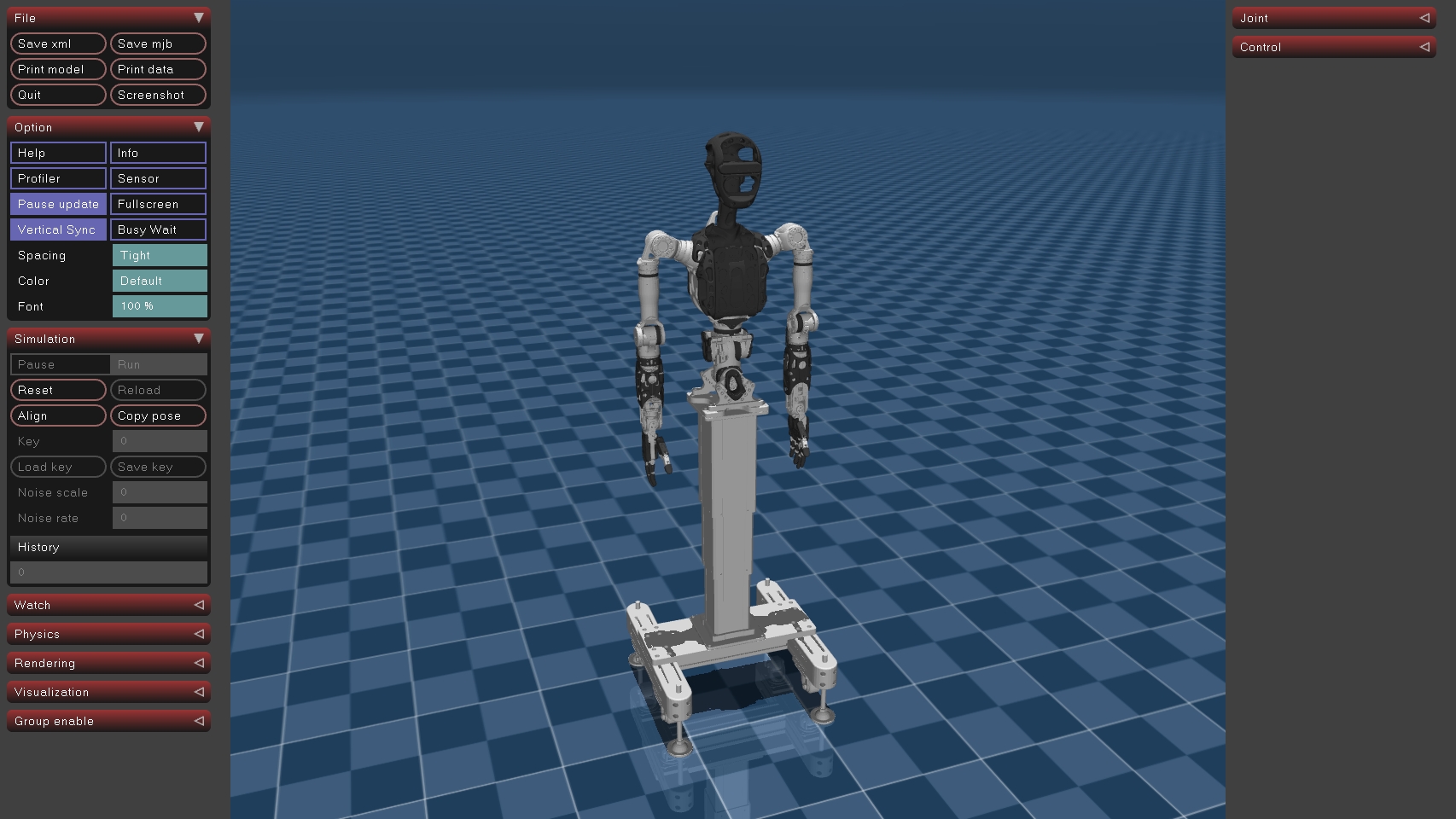
Open a new terminal.
# Run control example (pnd_sdk_python)
cd ~/pnd_sdk_python/example/low_level/adam_u
python3 open_arm.py

# Or Run control example (pnd_ros2)
cd ~/pnd_ros2/example/low_level/adam_u
python3 adam_u_low_level_example.py