Quick Development (Simulation)
This document introduces the use of pnd_sdk_python or pnd_ros2 for rapid development of Adam. It includes the simulation framework pnd_mujoco, which enables simulated emulation on the Mujoco platform on the user's computer.
System Environment
It is recommended to perform development on Ubuntu 22.04 x86_64. Mac and Windows are currently not supported.
Mujoco Installation
# Install Mujoco platform
cd ~
pip3 install mujoco==3.2.0

# Install pnd_mujoco
cd ~
git clone [https://github.com/pndbotics/pnd_mujoco.git](https://github.com/pndbotics/pnd_mujoco.git)
🔗 Reference: Mujoco, pnd_mujoco
SDK Installation
Select_sdk_type
# Install system dependencies
sudo apt install libyaml-cpp-dev libspdlog-dev libboost-all-dev libglfw3-dev python3-pip

# Install Python SDK
cd ~
git clone https://github.com/pndbotics/pnd_sdk_python.git
cd pnd_sdk_python
sudo pip3 install -e .
🔗 Reference link: pnd_sdk_python
# Download & build pnd_ros2
git clone https://github.com/pndbotics/pnd_ros2.git
cd pnd_ros2
colcon build
source install/setup.bash
DDS is used by default. To switch to ROS2:
-
Open the configuration file
config.py -
Set the SDK type to ROS2:
🔗 Reference link: pnd_ros2
Simulation Test
Control_example
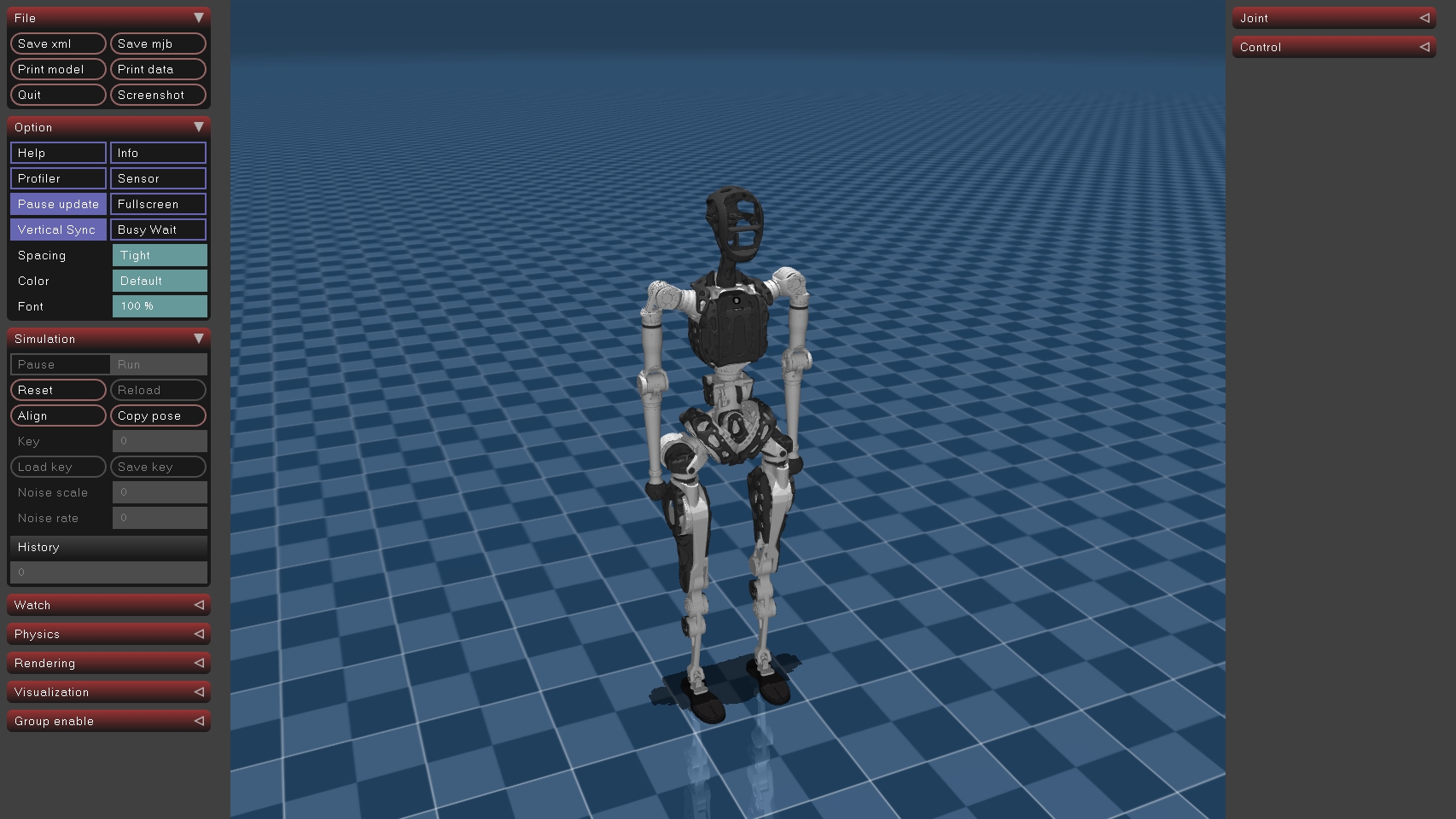
Modify the configuration file config.py according to the specific model.
Modify the first line of code to the Lite model.
Start Mujoco.
Open a new terminal.
# Run control example (pnd_sdk_python)
cd ~/pnd_sdk_python/example/low_level/adam_lite
python3 adam_lite_low_level_example.py

# Or Run control example (pnd_ros2)
cd ~/pnd_ros2/example/low_level/adam_lite
python3 adam_lite_low_level_example.py
The robot's ankle movement indicates that the example has run successfully.
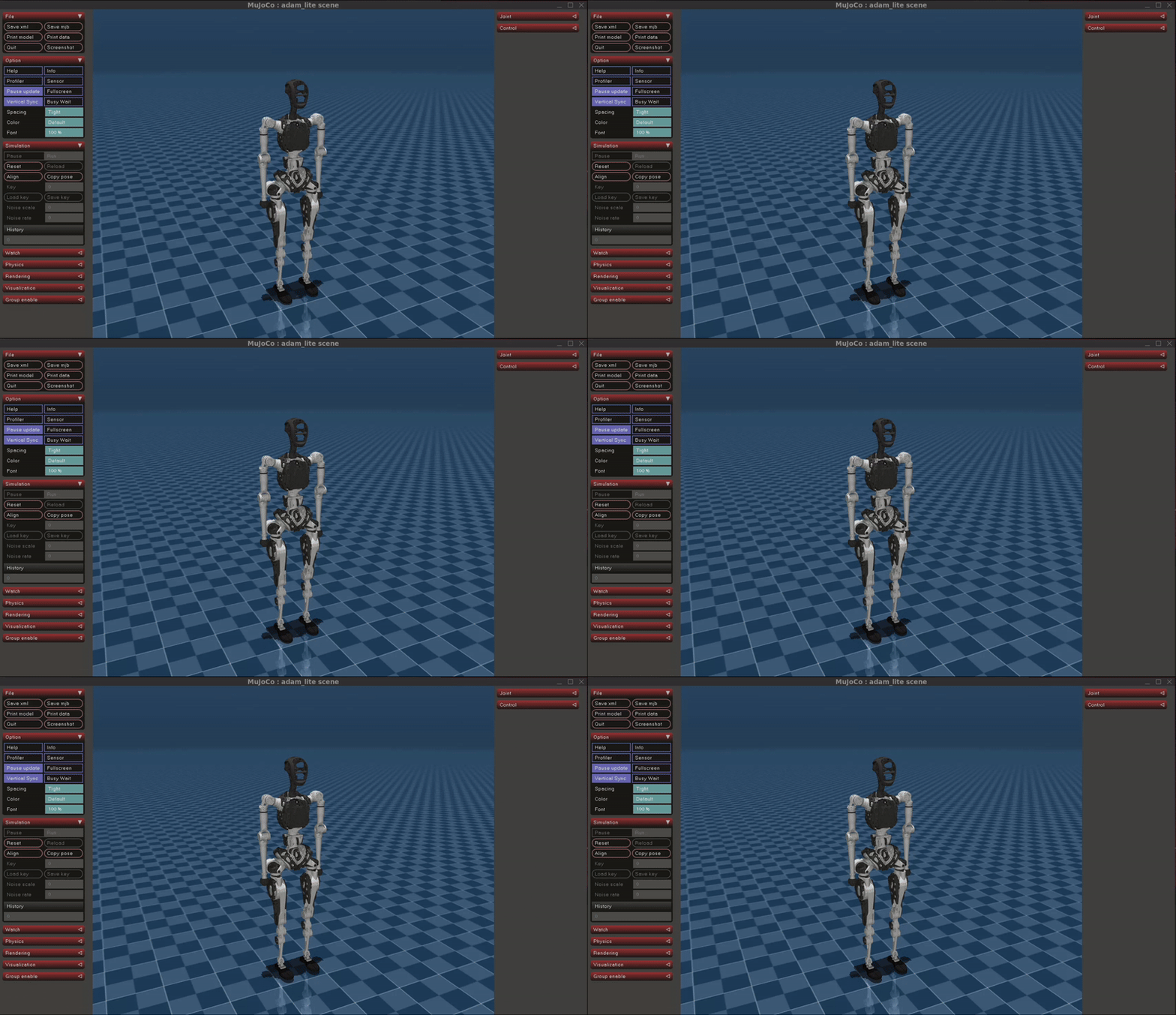
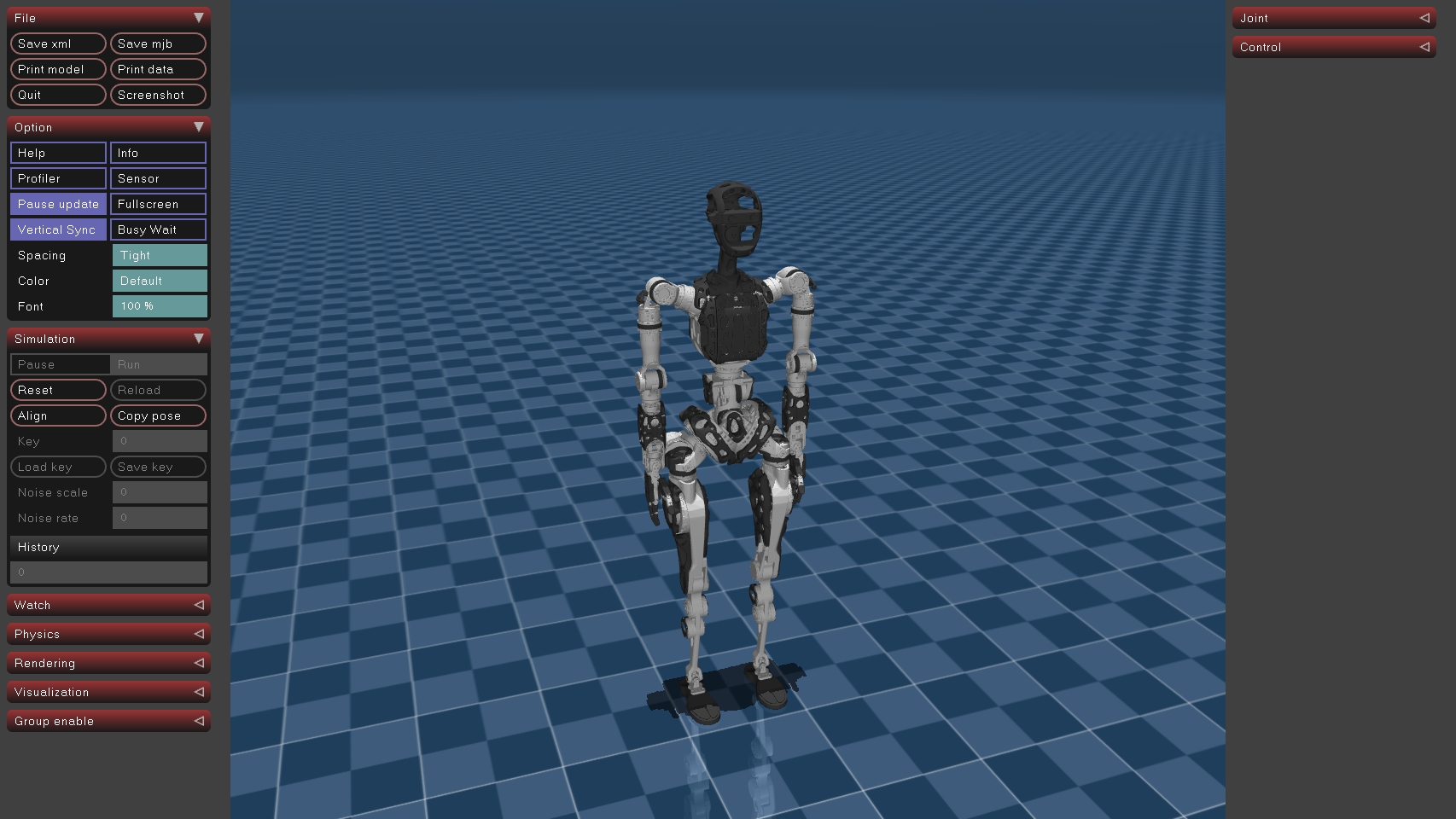
Modify the configuration file config.py according to the specific model.
Modify the first line of code to the SP model.
Start Mujoco.
Open a new terminal.
# Run control example (pnd_sdk_python)
cd ~/pnd_sdk_python/example/low_level/adam_sp
python3 adam_sp_low_level_example.py

# Or Run control example (pnd_ros2)
cd ~/pnd_ros2/example/low_level/adam_sp
python3 adam_sp_low_level_example.py
The robot's ankle movement indicates that the example has run successfully.
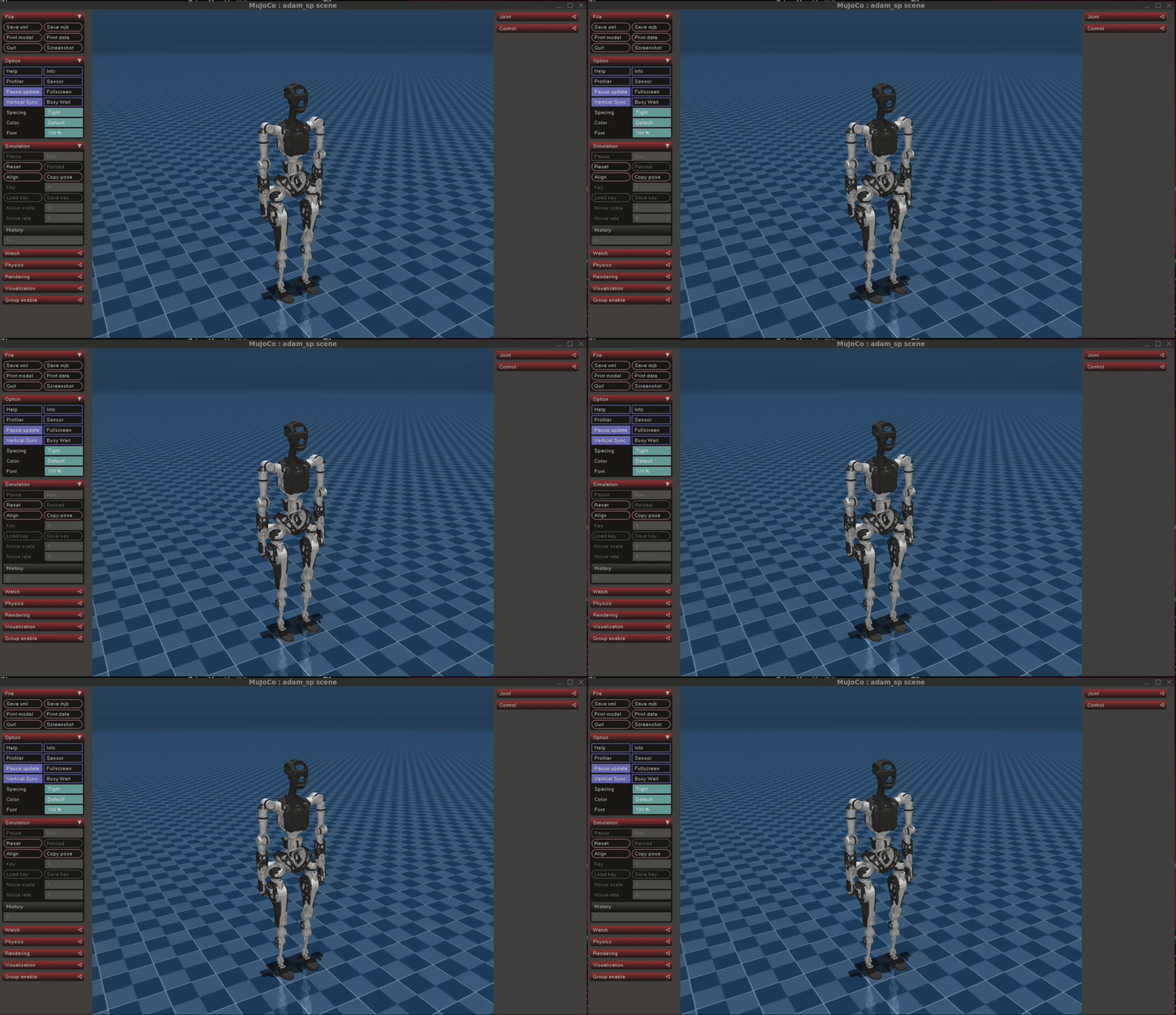
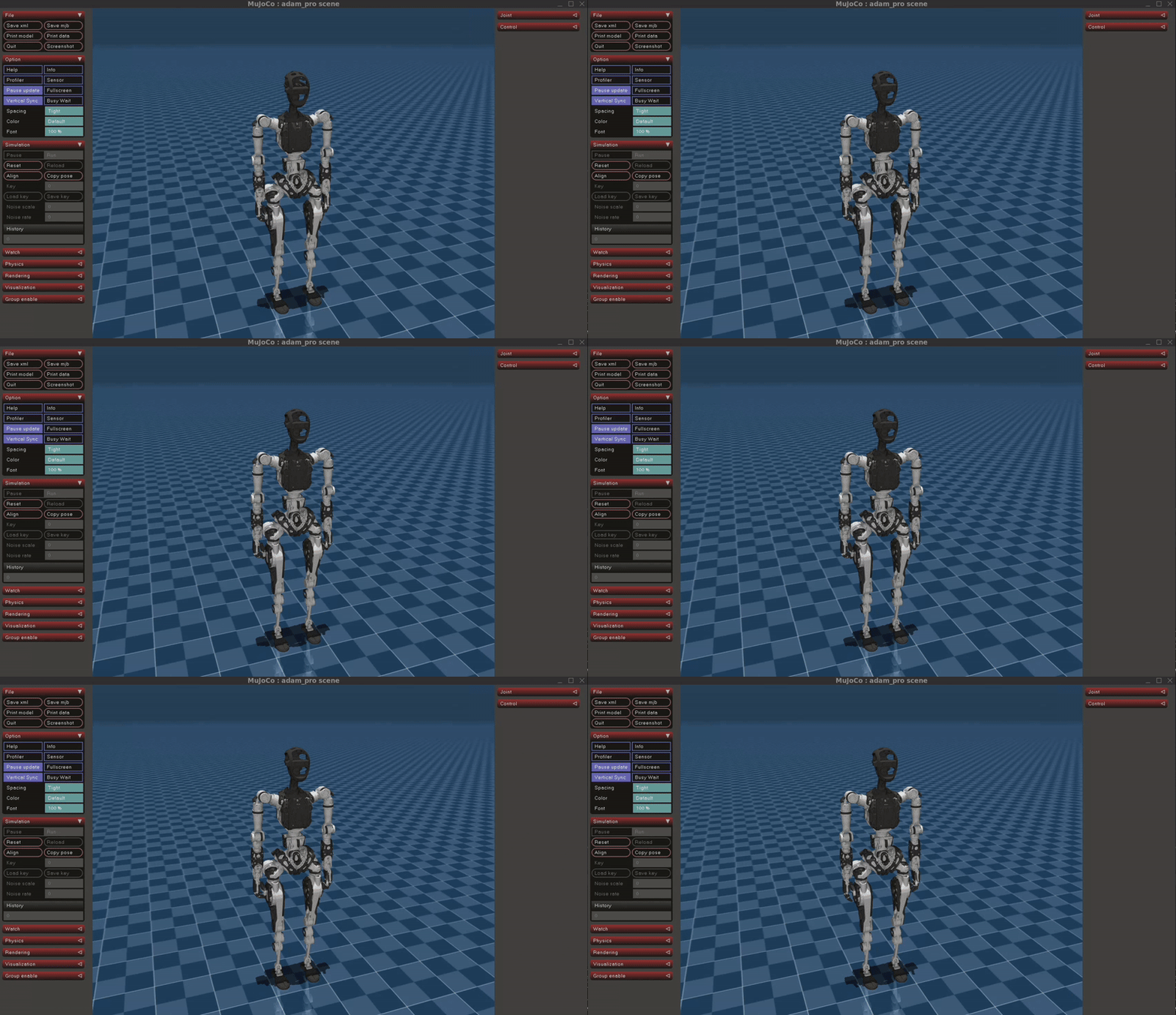
Modify the configuration file config.py according to the specific model.
Modify the first line of code to the Pro model.
Start Mujoco.
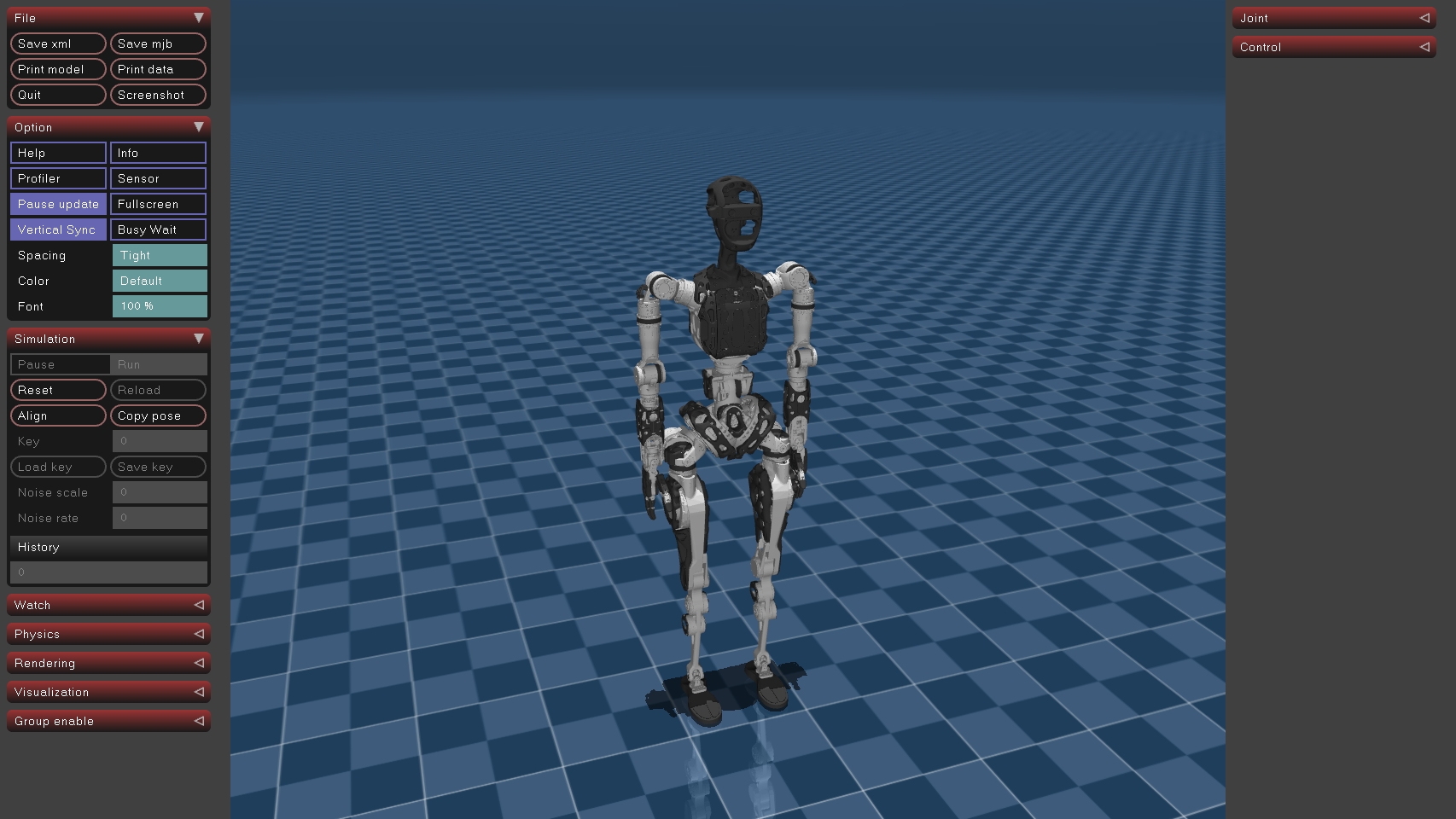
Open a new terminal.
# Run control example (pnd_sdk_python)
cd ~/pnd_sdk_python/example/low_level/adam_pro
python3 adam_pro_low_level_example.py

# Or Run control example (pnd_ros2)
cd ~/pnd_ros2/example/low_level/adam_pro
python3 adam_pro_low_level_example.py
The robot's ankle movement indicates that the example has run successfully.